How to Handle a New Substance Restriction Without Disrupting Your Packaging Operations


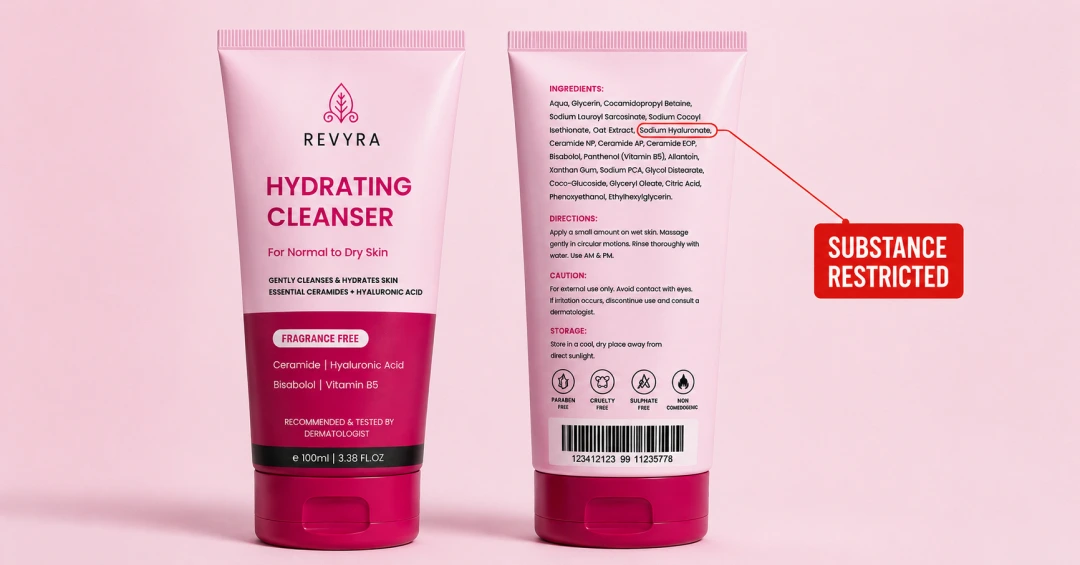


A new substance restriction rarely stays within regulatory.
When a substance is prohibited, restricted to a lower concentration, or requires a different disclosure, the first question is regulatory: What does this mean for the product? The next question is operational: What does this mean for every piece of packaging that carries that product?
That second question can be much harder to answer.
Take the European Commission's Regulation (EU) 2026/909, which amends the EU Cosmetics Regulation for a range of substances, introducing new restrictions, concentration limits and conditions of use. The regulation also establishes transition periods for affected products.
For a company with hundreds of SKUs across markets, a change like this doesn't create one artwork update. It can trigger a chain of work across formulations, products, markets, packaging components, artwork versions, approvals and production.
A regulatory change may begin with one substance, but the packaging impact can spread quickly.
If a formulation needs to change, teams may need to determine:
And these decisions rarely belong to one person.
Regulatory may determine what needs to change. The formulation team may determine the new product composition. Marketing may need to review claims. Quality may need to approve the result. Packaging and design teams may need to execute the artwork changes. Supply chain may need to manage the transition from old packaging to new.
Nobody necessarily owns all of that work. But someone still has to keep the entire change moving. That's where substance restrictions become a packaging change-management problem.
Before anyone opens an artwork file, the first question is deceptively simple:
Where does this substance, or the information associated with it, appear across the portfolio?
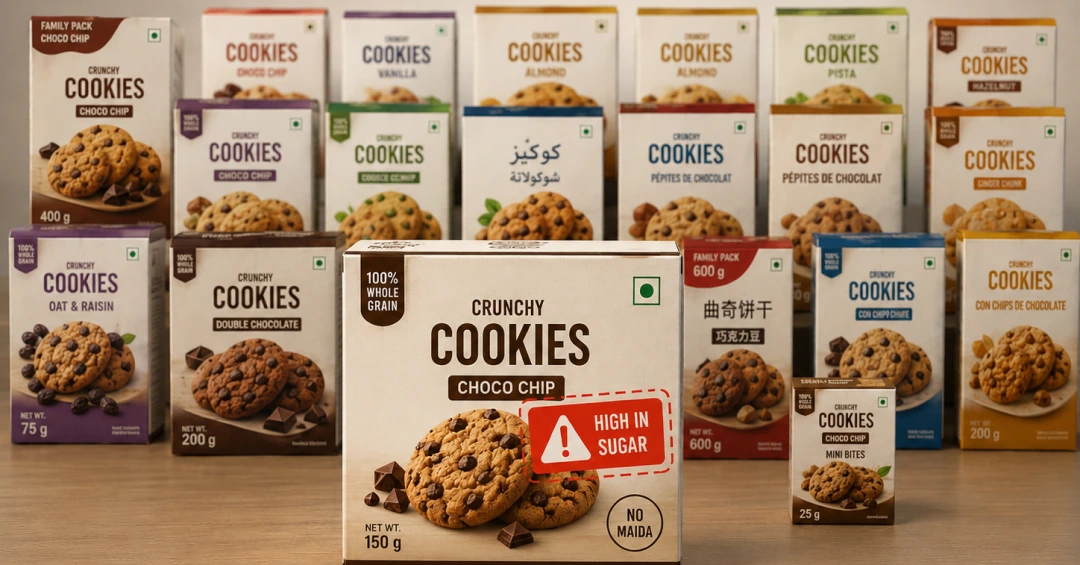
For a large organization, that can mean tracing products across SKUs, pack sizes, markets, components, artwork versions, and product relationships. The obvious products are rarely the only ones that matter.
If information about ingredients, formulations and packaging is spread across spreadsheets, folders, emails and individual knowledge, identifying the full impact becomes a manual investigation.
A centralized, searchable repository changes the nature of that work. Instead of asking people to remember where information lives, teams can search for the affected substance, claim or declaration and identify the products and artworks connected to it.
The goal isn't simply to find what needs changing. It's to make sure nothing gets missed.
A regulatory trigger doesn't always produce the same outcome everywhere.
One market may require a reformulated product and new artwork. Another may operate under different requirements and need no change at all. A third may have its own transition period.
That makes the relationship between product, market, packaging component and artwork version critical.
Without that visibility, teams can make two costly mistakes. They can over-correct, changing artwork in markets where no change was required. Or they can under-correct, missing a market or product that was affected.
The second mistake is especially dangerous because it can leave outdated packaging moving toward production while everyone assumes the change has already been handled.
The artwork file shouldn't be where the content decision gets made.
Before a designer starts revising an artwork, the team needs to know what the approved replacement content is, which markets it applies to, and who has signed off on it.
Otherwise, the artwork review becomes the place where teams discover that an ingredient declaration, claim or other pack element no longer matches the approved product. That creates another round of questions, revisions and approvals.
A controlled content workflow separates the two decisions: First decide what the packaging should say. Then change the artwork.
That distinction matters when the same content change needs to flow across multiple artworks or markets. It reduces the risk of designers working from outdated instructions and makes the subsequent artwork revision much more predictable.
This is where a regulatory change gets particularly difficult.
A company doesn’t necessarily switch from old packaging to new packaging overnight. During a rollout, the original formulation and packaging may still be shipping in one market while a reformulated product is already shipping in another. New artwork could be under review for a third, while old artwork is still approved but no longer intended for production.
At the same time, multiple versions of the same component can be moving through different stages.
All of those versions can exist at the same time. The challenge isn’t simply creating the new artwork. It’s knowing which version is current, which is approved, which is being revised, and which should never move forward again.
That becomes difficult when version history lives in file names, email threads, or people’s memory.
A centralized artwork workflow gives teams a clearer view of the change as it moves from revision to approval to production.
Regulatory-driven packaging changes also create a question that often comes later: What happened, and when?
Which version was approved, who reviewed it, when it was approved, which artwork went to production, and whether the previous version was retired? When an audit or internal review asks those questions, reconstructing the answer from email threads and spreadsheets is inefficient at best.
A controlled artwork management process keeps this history with the artwork itself, giving teams a clear record of reviews, approvals, versions, and production status. That turns change management from a collection of individual actions into a traceable process.
A substance restriction doesn't disappear because a company has an artwork management system. What changes is what happens after the regulation changes.
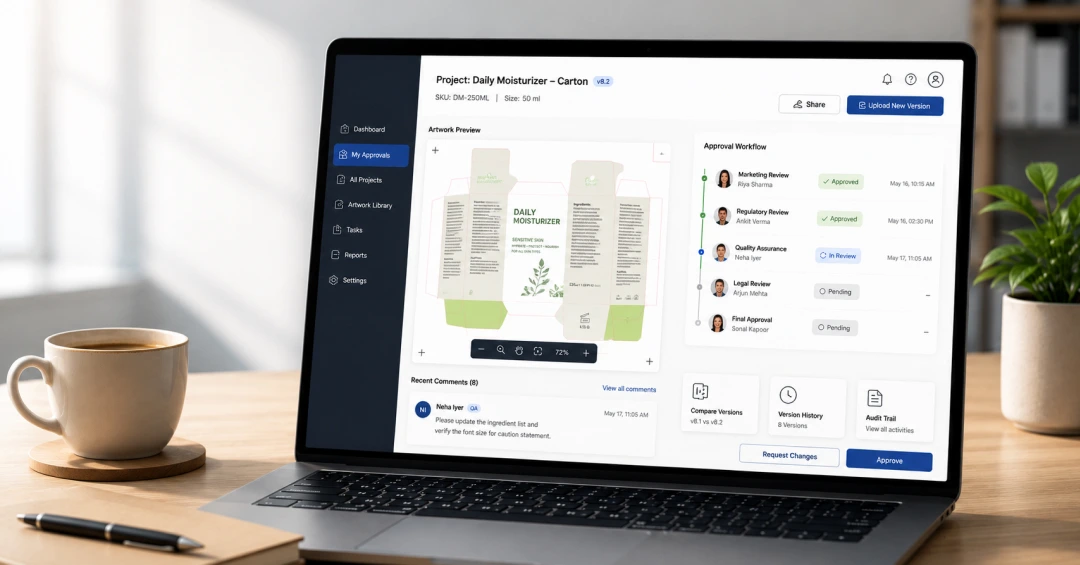
With a centralized artwork management system, teams can identify the impact by searching artwork and packaging content to find affected products, components, and versions. They can control the change by tracking current, in-progress, and retired artwork so outdated versions don't move forward accidentally. They can also coordinate reviews by giving regulatory, quality, marketing, packaging, and other stakeholders a defined workflow for review and approval.
The process also makes it easier to verify revisions by comparing revised artwork against previous versions to confirm that the intended changes were actually made, while maintaining traceability by keeping version history, approvals, and production status together.
The benefit isn't that the system makes the regulatory work unnecessary. It's that once the regulatory decision has been made, the organization has a reliable way to execute it across the portfolio.
Eclectic Products, an Oregon-based manufacturer behind brands like Amazing GOOP® and E6000®, adopted ManageArtworks well before any regulatory pressure forced the issue. They replaced a manual, email-driven process that no longer scaled with growing artwork volume.
That decision paid off when a regulatory-driven formulation update hit one of their major product lines. Several artworks were already in progress, so the team had to find every product built on the affected formulation and get the correct versions out before a hard deadline.
Because artwork status and version history were already tracked in one system, they could trace exactly which versions were affected, identify the impacted components, and pull incorrect files before they reached print. That helped prevent an incorrect print run, along with the cost and disruption that would have come from catching the problem later.
That's really the point of the story. The value wasn't one dramatic rescue. It was the team's ability to move through a complex, deadline-driven correction with confidence. They knew what needed to change, which products were affected, and where those changes needed to happen. Under their old process, that would have taken far longer.
Substance restrictions are part of the reality of packaging. Formulations change, substances get restricted, concentration limits change, and disclosure requirements evolve. While the regulatory decision may happen in one department, the impact can spread across the entire packaging lifecycle. The teams that manage these changes well are the ones that can quickly answer what is affected, what needs to change, which version is approved, and what happened to the old one.
When those answers are scattered across files, emails, and individual knowledge, even a straightforward regulatory change can become a major coordination exercise. When they are connected in one controlled workflow, the change becomes much easier to execute.
The restriction may be unavoidable. The chaos that follows doesn't have to be.

Start by mapping the relationship between the product, market, packaging component, and artwork version. This helps teams determine where the restriction applies and avoid both unnecessary changes and missed updates.
Not always. The required action can vary by market and product. Some may need reformulated products and new artwork, while others may remain unchanged or operate under a transition period.
An artwork management system can help teams identify affected products and artwork, coordinate reviews and approvals, control artwork versions, compare revisions, and maintain traceability throughout the change.

.webp)